
YandF DEV designs, builds and ships web, mobile and cloud products for companies in Morocco and beyond.
Contact Info
-
Monday – Friday, 9:00 AM – 6:00 PM (GMT+1)
YandF DEV designs, builds and ships web, mobile and cloud products for companies in Morocco and beyond.


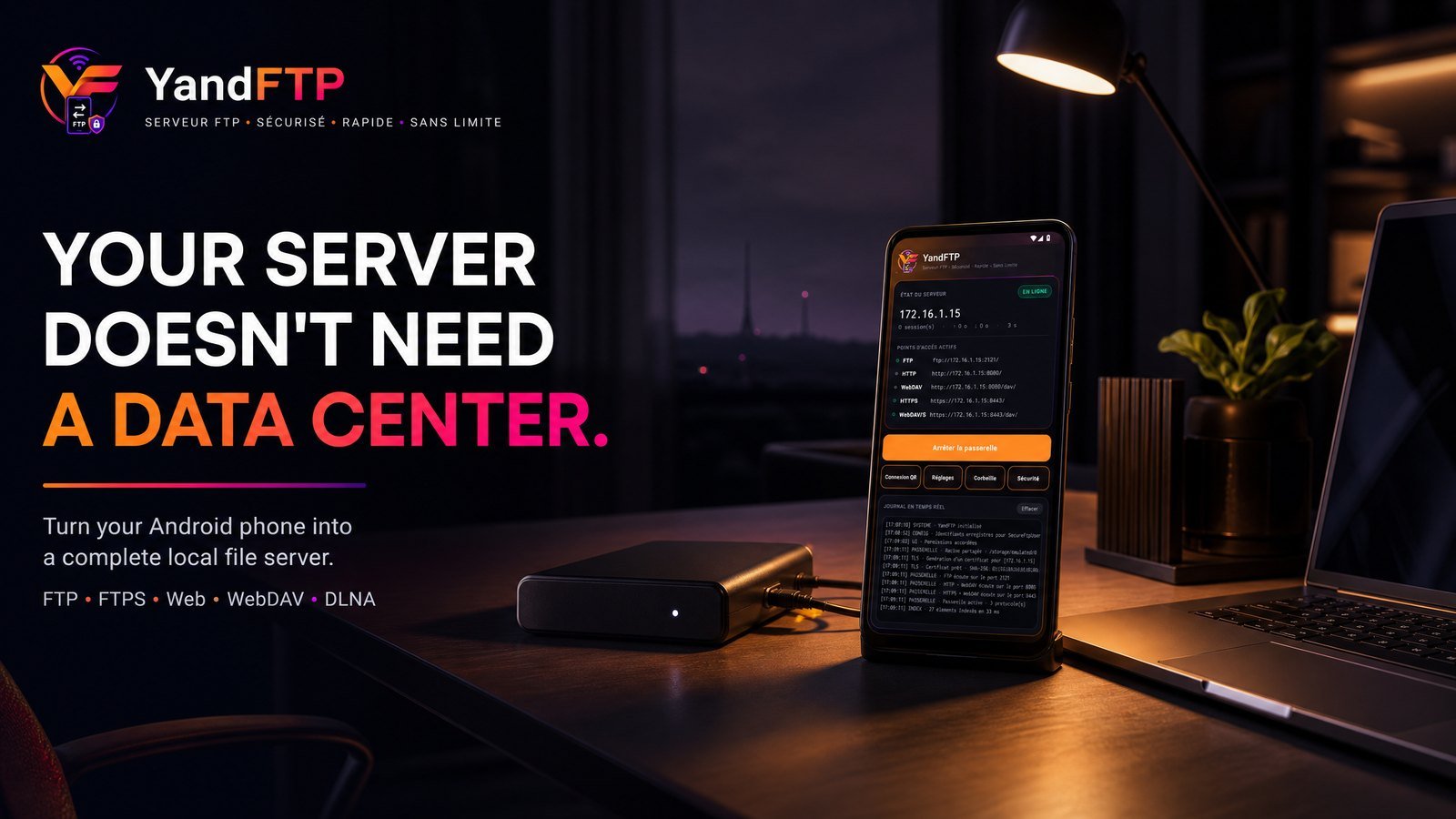
Android App • Storage Gateway
| Client | In-house product by YandF DEV |
|---|---|
| Sector | Consumer and developer tools |
| Period | Released as version 2.1.0 (com.yandf.yandftp) |
| Scope | Product definition, UI design, the FTP/FTPS/HTTP/WebDAV/DLNA stacks, TLS, packaging and release |
| Our role | Everything: this is our own product, built and maintained by the team |
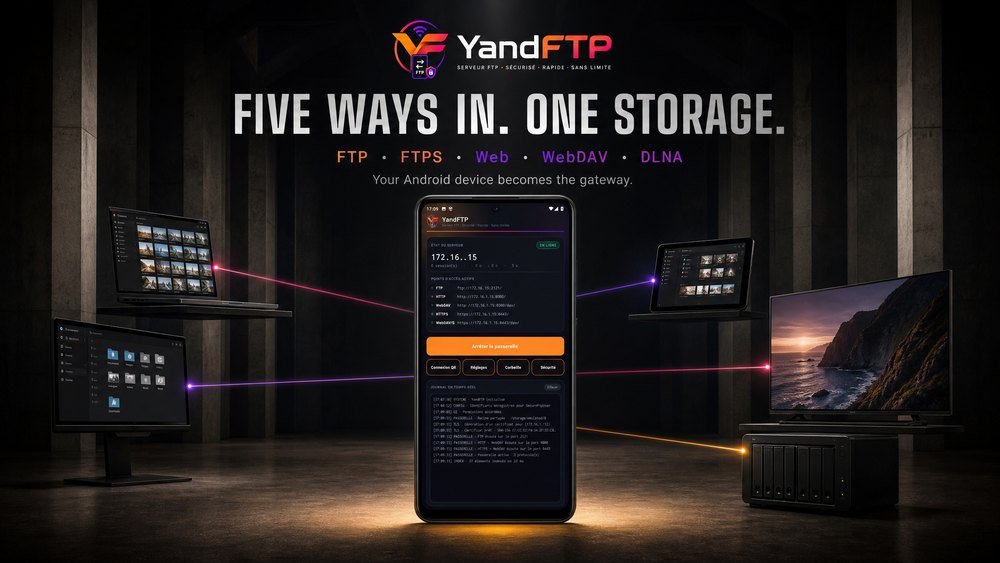
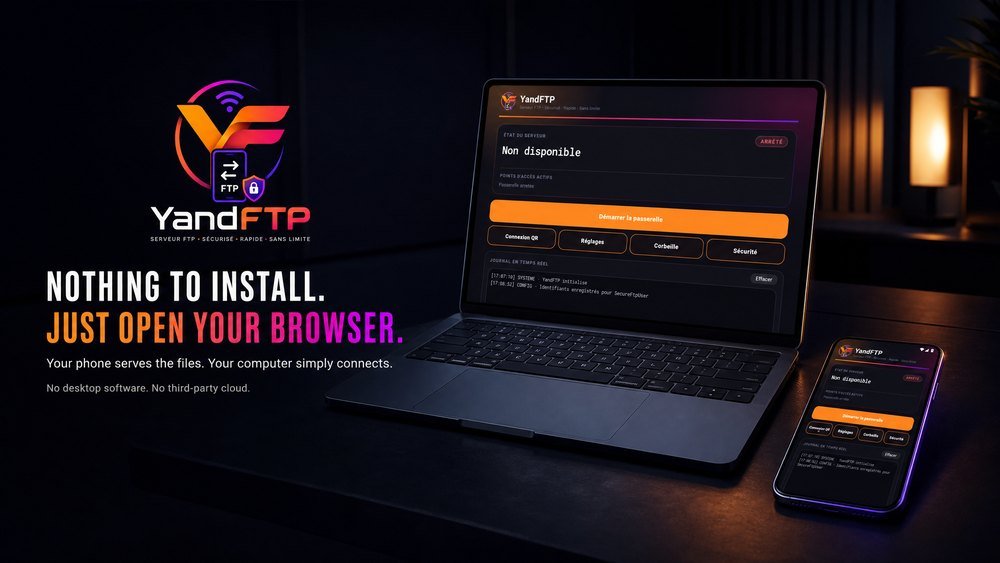
An Android phone becomes a full multi-protocol file server — FTP, FTPS, web portal, Windows network drive and media source — with nothing to install on the computer.
Moving files off a phone still means a cable, a cloud account, or an app installed on both ends. The alternatives each expose exactly one protocol, so the phone works with one kind of client and nothing else — and anything that goes through a cloud service leaves the local network to come back to a machine two metres away.


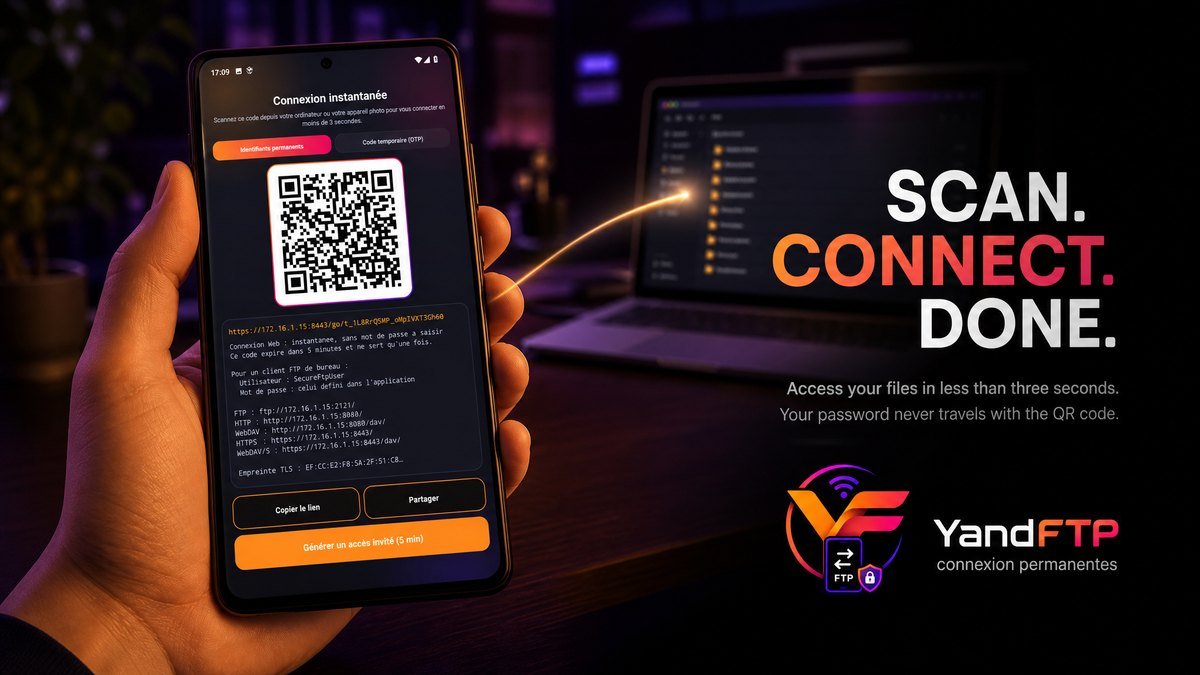
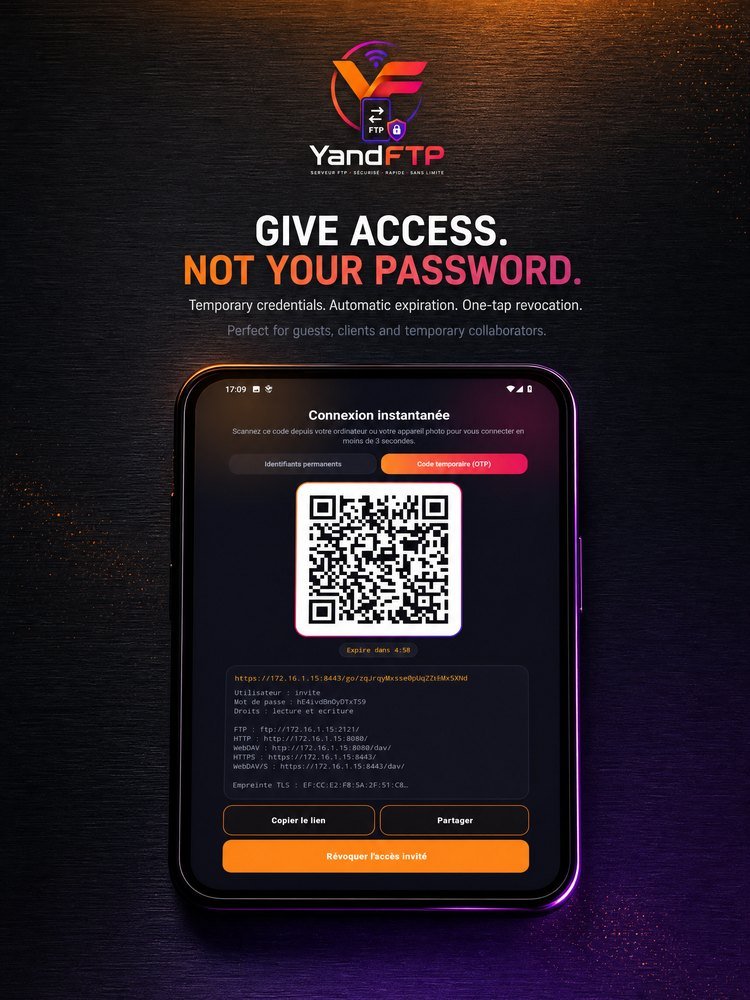
The barrier was never the transfer, it was the connection: typing an IP address, a port, a username and a password on a computer to reach a phone. "QR connect" replaces all of it — scan, and the browser opens already authenticated. The code carries an opaque token valid for five minutes and consumed on first use, not the password, so photographing the screen afterwards grants nothing. Lending access to someone else goes through a temporary guest account with a random secret, a visible countdown, and revocation in one gesture.
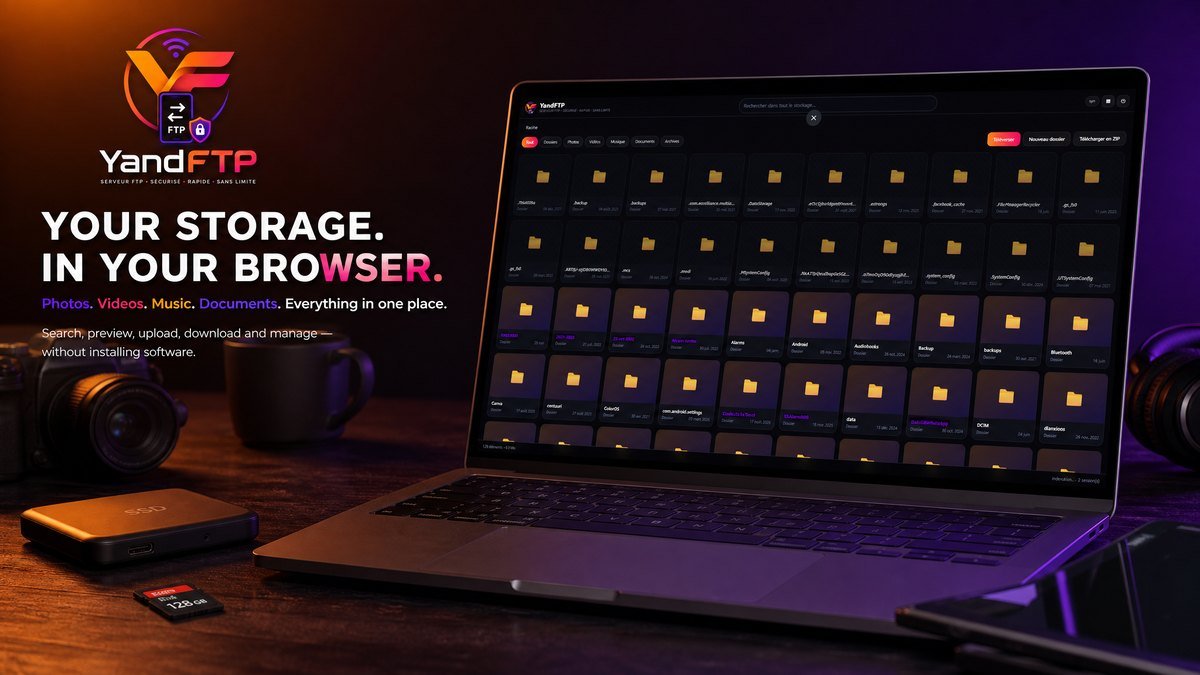
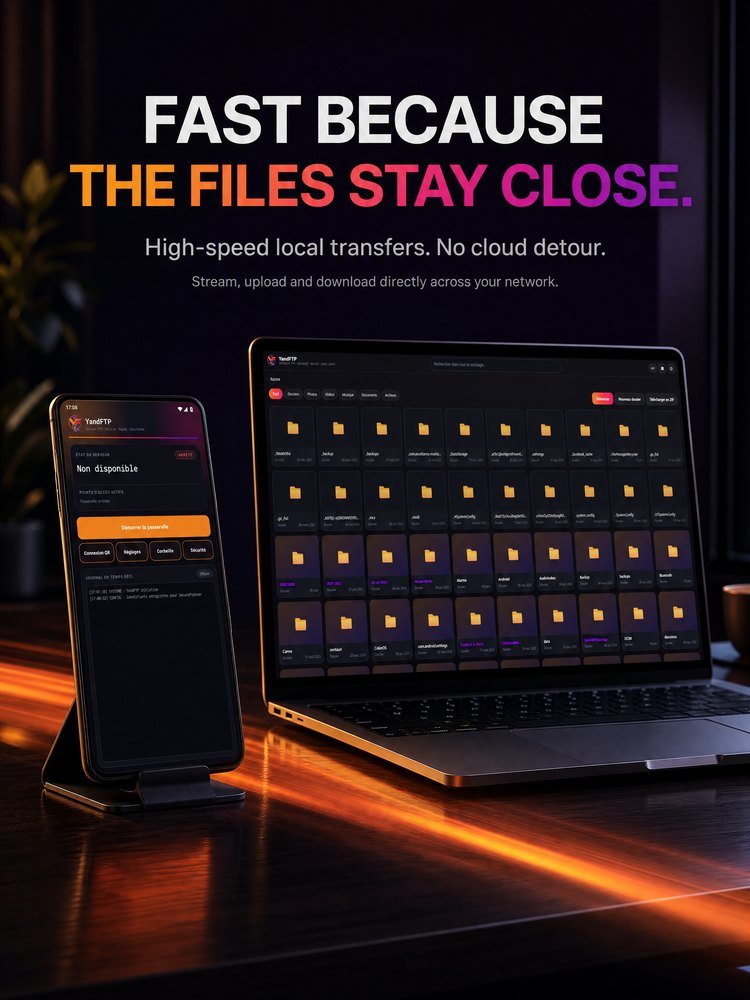
A dashboard, not a control panel: one tap starts all five endpoints, and the state of each is legible at a glance. The web portal is a real file manager rather than a list of links — folder navigation, grid or list, photo and video thumbnails, a full-screen viewer, in-page playback with instant seeking even on a multi-gigabyte file, accent- and case-insensitive search across the whole storage, type filters, drag-and-drop upload with progress, and a whole folder downloaded as a ZIP built on the fly.
Zero-copy transfers: sendfile() lets the kernel move pages from storage to the Wi-Fi card without passing through the VM heap. ZIP compression streams, so the download starts immediately with no temporary archive and no size limit, and already-compressed media is stored rather than pointlessly recompressed. A RAM directory cache makes the second visit to a folder of thousands of files instant. Resumable and segmented downloads via FTP REST and HTTP Range. CPU and high-performance Wi-Fi locks keep transfers running with the screen off and the app closed.
Tech Stack: Java 11, Android SDK 26–35, hand-written FTP/FTPS/HTTP/WebDAV/DLNA stacks, TLS 1.3 with an on-device X.509 v3 generator, PBKDF2-HMAC-SHA256
How this was measured: 241 automated tests ship with the release, including end-to-end tests in which a real client speaks to a real server over real sockets. Everything claimed above is a documented behaviour of version 2.1.0, not a projection.


Let's discuss your vision. Our team is ready to help you succeed.
Want something like YandFTP?
Tell us what you are building and we will come back with an approach, a rough shape of the work and what it would take. We reply to every request within 1 business day.
Discuss a similar project